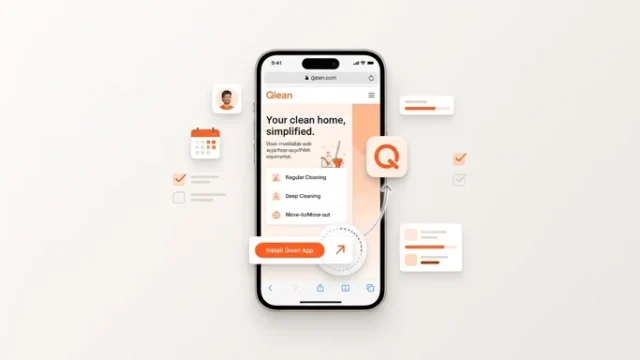
Install Qlean on your phone and set up notifications
Add Qlean to your home screen and choose which notifications you receive.
Describe the job in a few steps, and cleaners near you reply with their own price. Chat, follow the work, and rate the result, all inside Qlean.
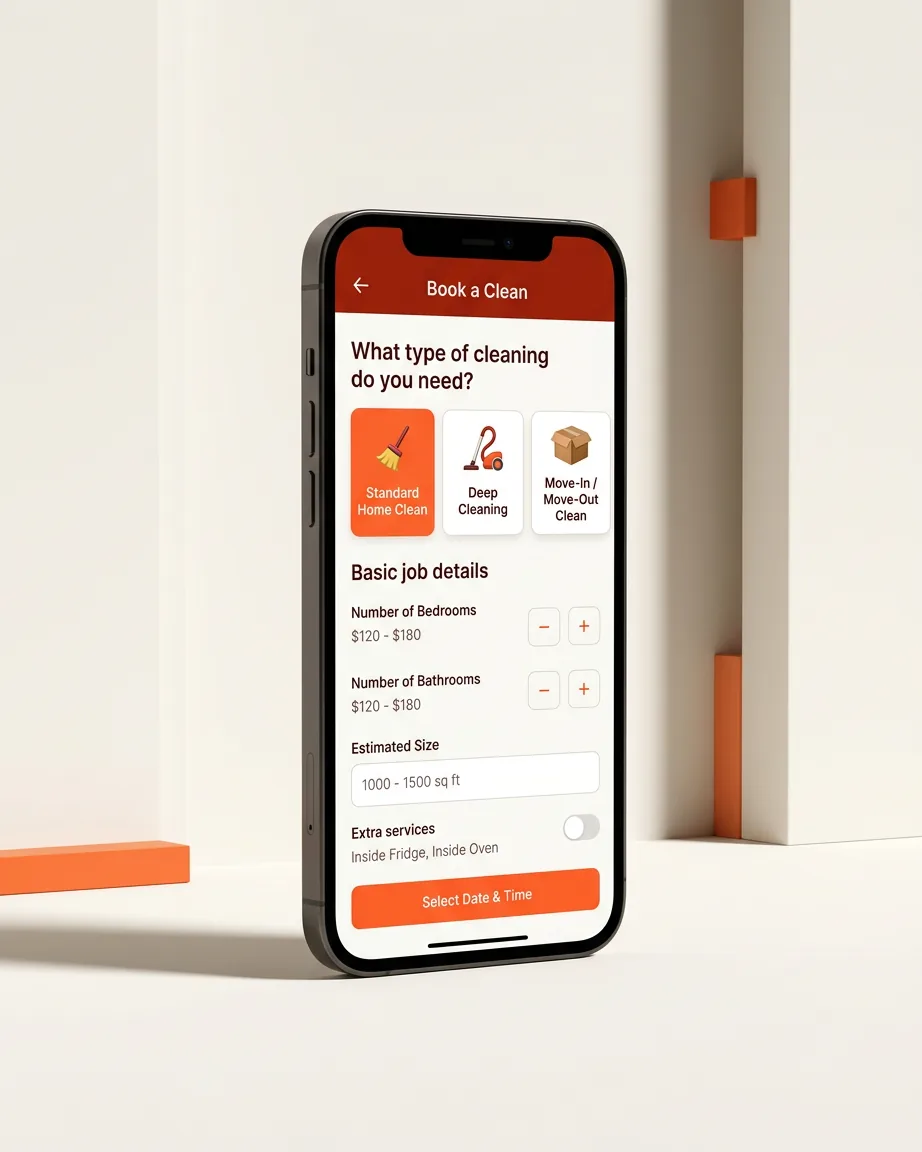
Pick the service, tell us about the property, and cleaners nearby respond with offers.
Everyday cleaning for homes and workplaces, booked as a one-time request whenever you need it.
A thorough clean for the whole space. Add the extras you want, such as the oven, fridge or a bathroom deep clean.
Offices and stores are bookable property types, so cleaners know what they are walking into.
Clean-up after building or renovation work. Photos of the space help cleaners judge the job.
Book carpet washing as its own service type.
Leave the place ready for the next people, on the date you choose.
The booking wizard asks for the service type, property type, area, rooms, any specific tasks, a date and time, the address pinned on a map, photos of the space and your budget. Your draft is saved as you go.
Cleaners near you review the request and reply with their own price and an optional note. You can see who has responded and open their profile.
Accept the offer you prefer and the order is locked to that cleaner. A chat for the booking opens so you can coordinate details.
The cleaner marks when they have arrived, started and finished, and you are notified at each point.
Confirm the work, or send it back to the cleaner if it is not right. Then rate your cleaner and leave a comment if you like.
Go online, see open orders near you, send your own price, and mark each stage of the job. You can also post your availability on the marketplace.
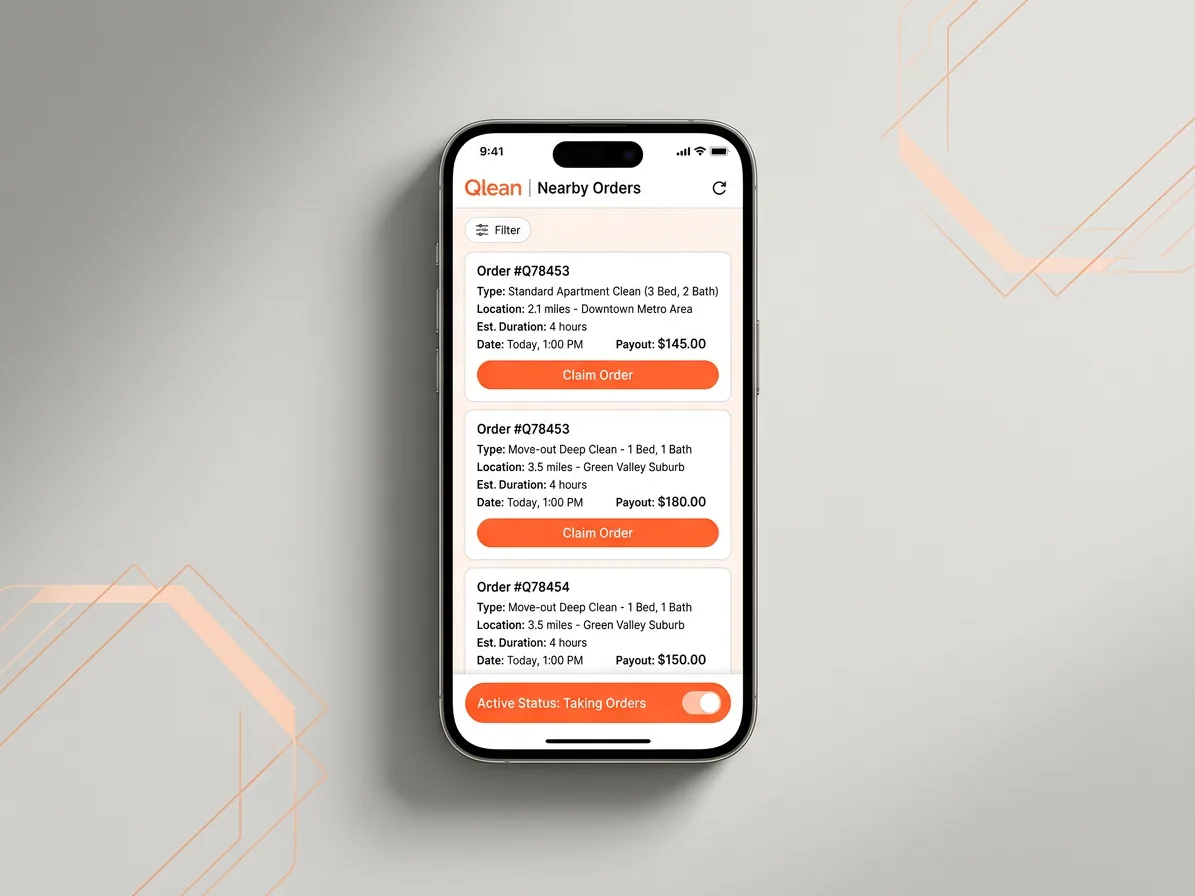
You set a budget; cleaners answer with their own price. You choose the offer that fits.
Cleaners post their own availability. Browse listings near you, or book a cleaner directly from their profile.
Talk to your cleaner in the app. Share photos and your location, reply, and report or block when needed.
Top up your balance in the app and keep track of every transaction.
Cleaners share photos of their work and build a following. Customers can look before they book.
Booking updates, new messages, likes and followers, each with its own switch in Settings.
Add Qlean to your home screen and choose which notifications you receive.
Each photo now shows live upload progress, and large photos are compressed before they are sent.
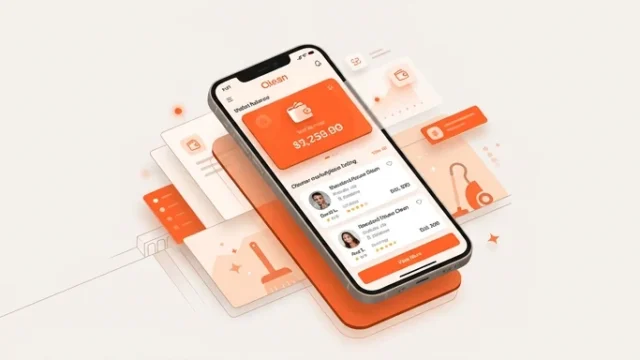
Top up your wallet and browse cleaner listings. Cleaners can now post their own availability.
Describe the job, get offers from cleaners near you, and choose the one you like.