Find orders near you and run every job from one app
The Qlean cleaner app shows open orders around your location, lets you name your own price, and keeps the customer informed as the job progresses.
From sign-up to a finished job
-
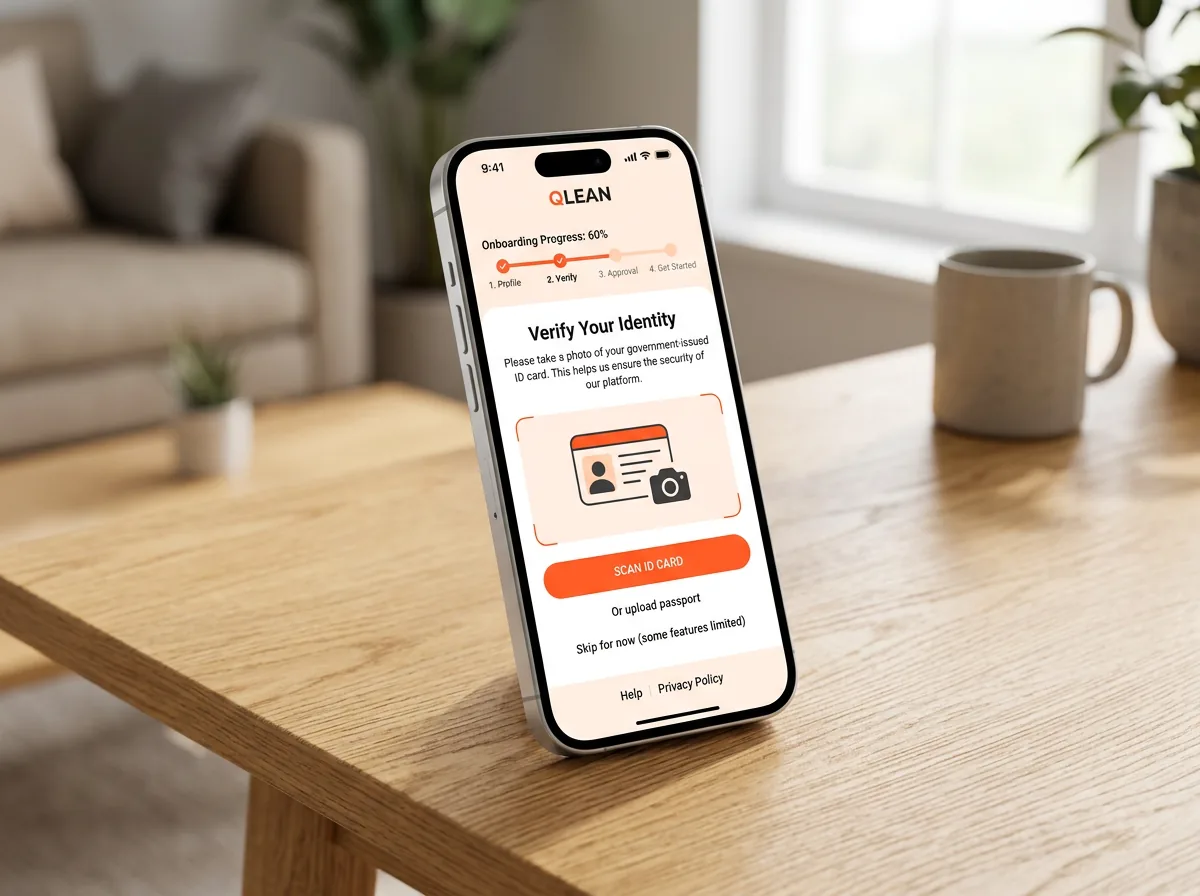
Register and get approved
Sign in with your mobile number, complete your profile with a photo, then upload a photo of your national ID card. An admin reviews your application before you get full access.
-
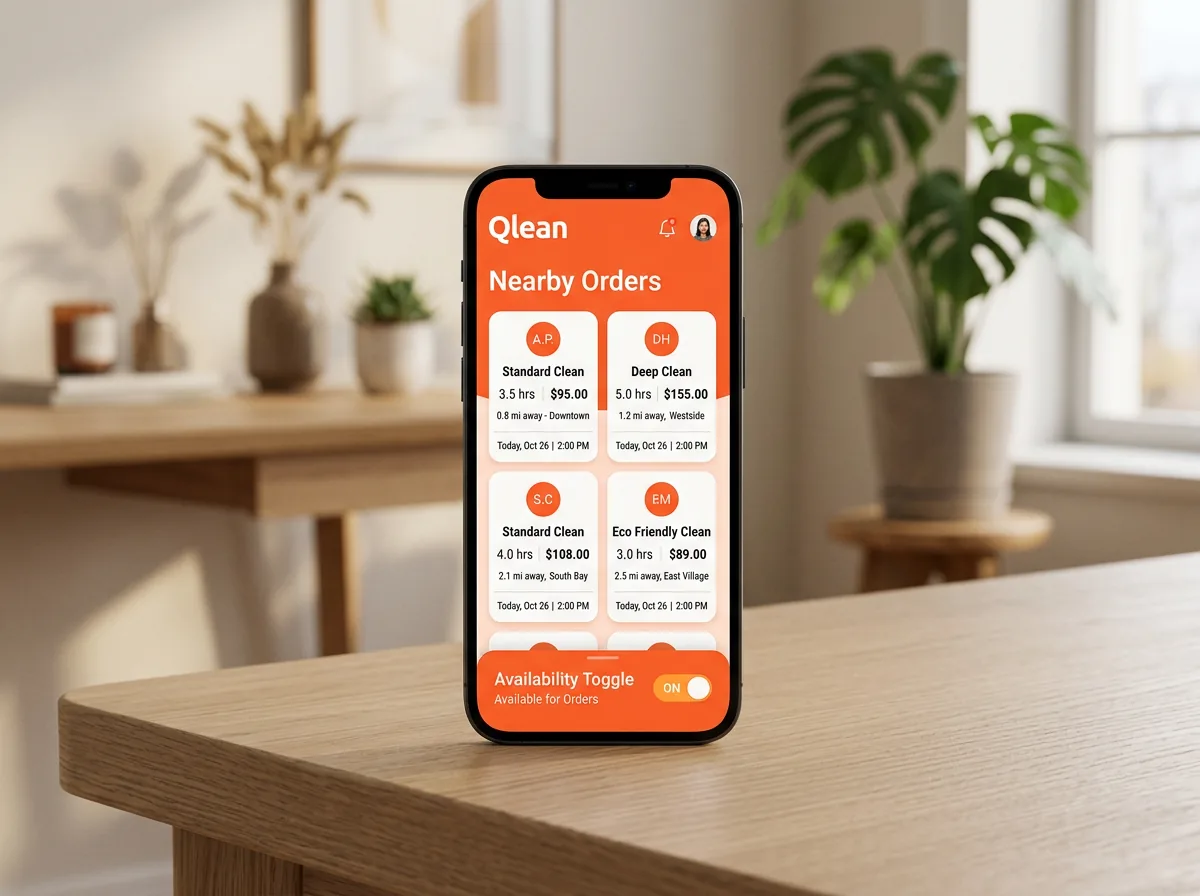
Go online and see nearby orders
Set your location on the map and switch availability on to see open orders around you. Each request shows the customer’s budget and how long you have left to respond.
-
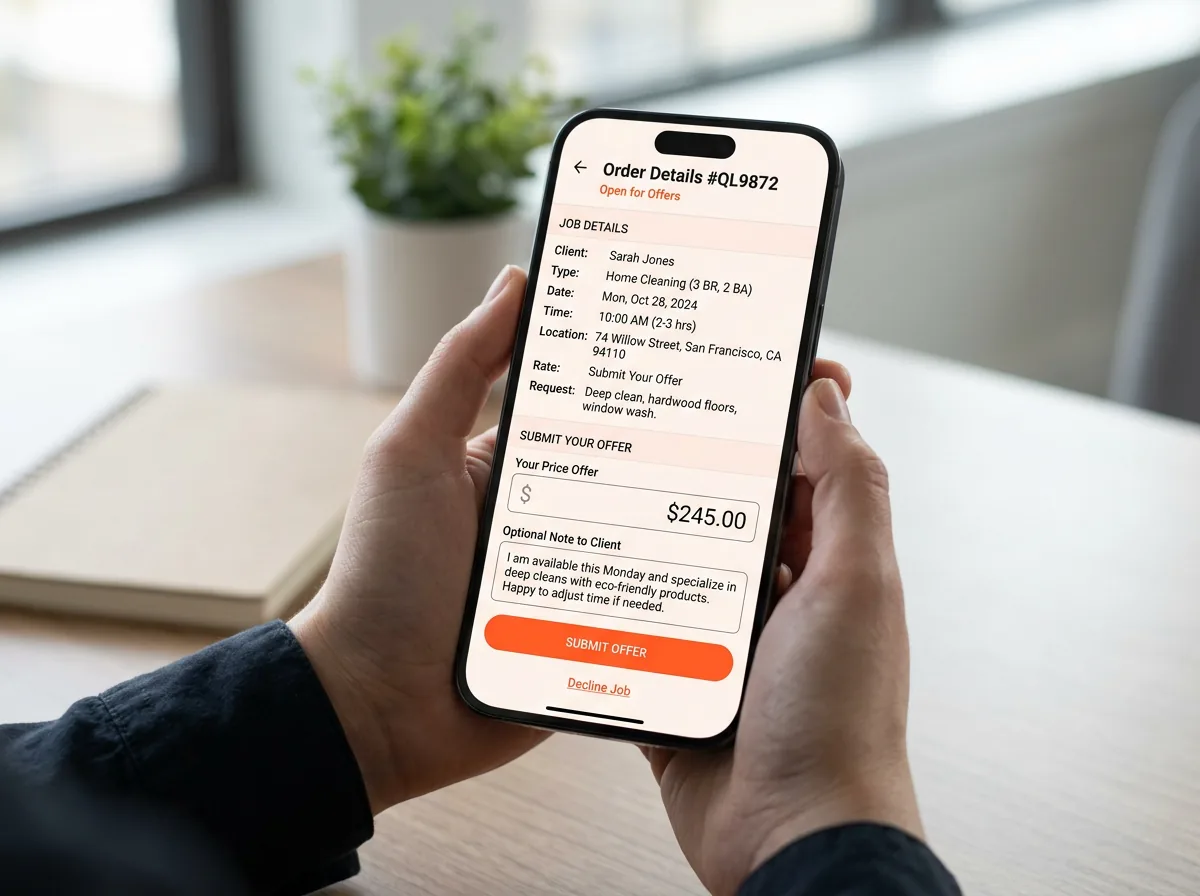
Send your offer
Name your own price and add a note to the customer, or decline orders that do not suit you.
-
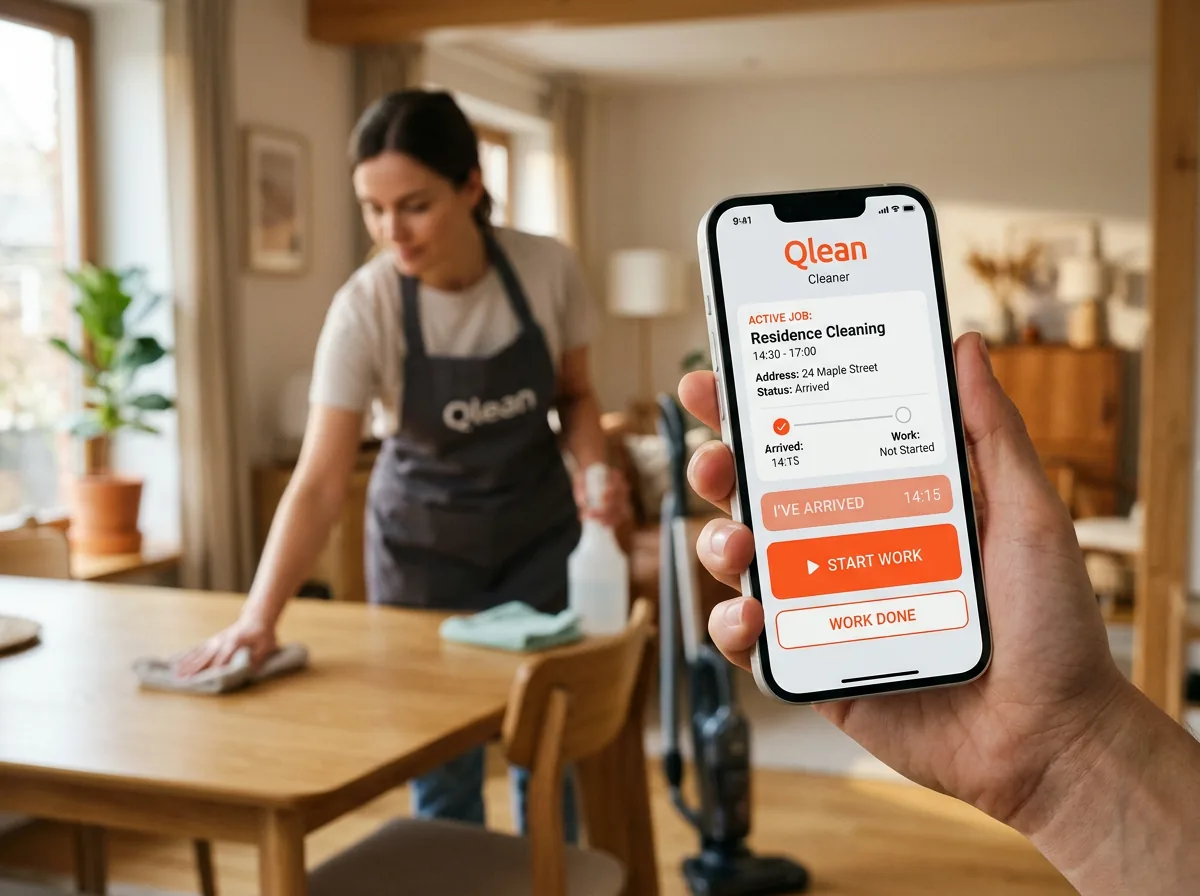
Do the job, step by step
Once your offer is accepted, chat with the customer and mark when you arrive, start and finish. The customer then confirms the work.
Post your availability and let customers come to you
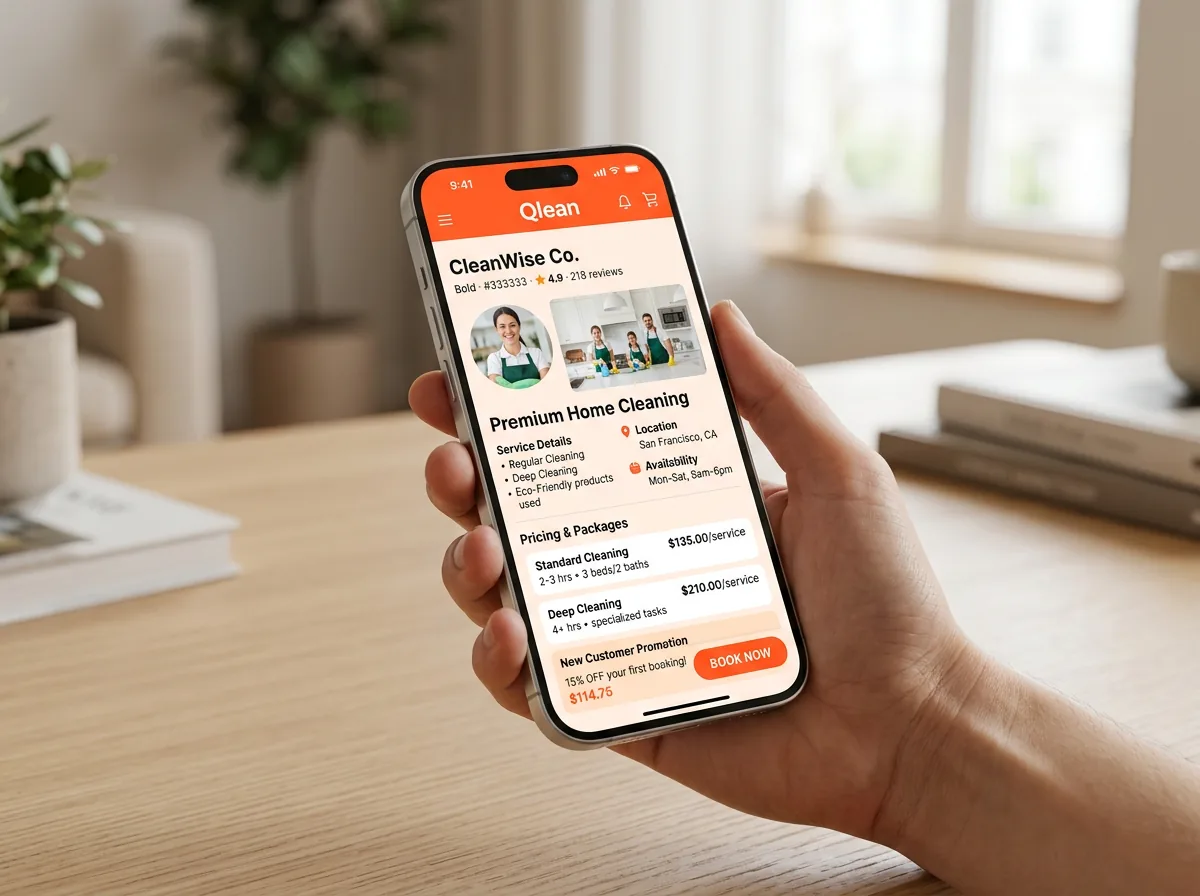
Create a listing with a title, description, the dates you are free, your hours per day, the area you work in and how far you will travel. Say whether transport is included, and attach photos from your posts.
- Save as a draft, then publish when you are ready
- Promote a listing with your wallet balance to be shown first
- Listings expire automatically, so the feed stays current
More than a job board
-
Show your work
Post photos on your profile. Customers can follow you, like your posts and message you before booking.
-
Earn ratings
After each confirmed job the customer can rate you and leave a comment.
-
Your own wallet
Top up a balance, see every transaction, and use it to promote your listings.
Ready to see orders near you?
Register in the cleaner app, complete your profile and ID check, and start sending offers once you are approved.